
What Is a Court Docket in Steele County
A court docket is the chronological event list for a case. It is not the same as a complete case file that includes every filing or full pleading text, but it captures hearing movement and outcomes over time. For Steele County, docket context is driven by District Court records and can be checked by case number, person name, attorney, judicial officer, or judicial district entries.
In practical workflow terms, users should treat the docket as the “timeline” tool and use the case record for complete legal context. The same case can have multiple entries in different categories across time, such as initial appearance, hearings, plea status, and monetary disposition.
How to Find Steele County Court Dockets
Start with MCRO Hearing Search for a hearing-oriented lookup, then use the daily docket PDF when you need a date-based view around a party, attorney, or courtroom. Court dockets are also a way to check remote hearing session labels that are not obvious in a simple case summary.
- Open MCRO Hearing Search and select Steele County as a location filter.
- Enter person, case, or attorney fields and run the query.
- If you need the full day for planning, open the Steele County daily court calendar PDF.
- Search by name, attorney, or hearing date and compare the results with case identifiers.
- Open the full case result from Case Search if docket entries require full context.
MCRO Hearing Search is the assigned interface for hearing-level retrieval.
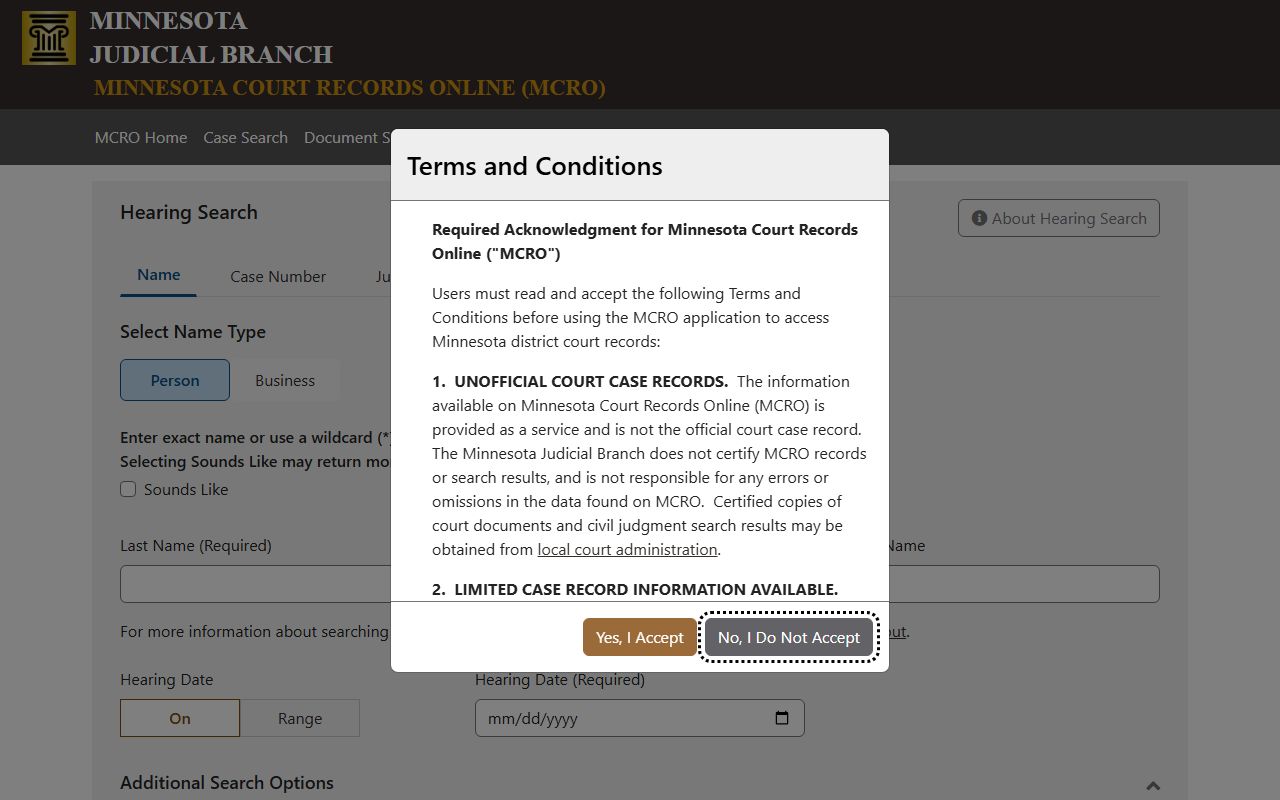
Use this tool for hearing activity, connection type, and courtroom-level context.
Steele County Daily Court Dockets
The daily calendar PDF is a practical docket companion for active court dates. It lists active hearing events for Steele County and is updated at 7:00 in the morning with hourly updates on business days. The calendar can show court type, party names, hearing date, time, location, and case number for searchable review.
Steele County Daily Calendar PDF is the official date-based source.
Do not assume silence means no hearing. The daily calendar does not include every matter and can differ from internal case updates at any given hour.
Sample Steele County Docket Entry
The following fields define what the court-level docket usually presents and what each field means for navigation.
| Field | What It Shows |
|---|---|
| Party Name | The person or entity listed for the hearing action. |
| Hearing Location | Room label or remote session designation such as courtroom or DW-Zoom session. |
| Hearing Date | Calendar date for the hearing event. |
| Time | Scheduled start time. |
| Judicial Officer | The judge or referee supervising the matter. |
| Hearing Type | The hearing purpose such as arraignment, trial, or review. |
| Connection Type | The party role attached to a hearing row. |
| Case Number | The file identifier linked to the docket entry and searchable in Case Search. |
Courts That Publish Dockets in Steele County
Steele County does not have a separate municipal or JP system listed as a distinct trial-file provider for this workflow. District Court filings are centralized through the District Court venue. Docket behavior across cases should be read as one venue stream with category-based restrictions.
- Steele County District Court handles criminal, civil, family, probate, mental-health, and traffic-case hearing records.
- The County Attorney handles prosecutorial charging and case progression for county-filed matters, but docket listing remains in court systems.
- For any venue question, confirm with Court Administration before assuming an external local docket is missing.
Docket vs. Full Case Record
A docket is a timeline of major events. A full case file includes filings, legal documents, exhibits, and the complete action chain in ways many docket systems do not expose fully in summary form.
| Docket | Full Case Record | |
|---|---|---|
| Coverage | Hearing events and core case actions. | Parties, documents, filings, outcomes, and records management history. |
| Best use | Schedule verification and status tracking. | Legal review and detailed case analysis. |
| Common gap | May not include all linked documents. | Includes document list and action context. |
| Access | Usually free online within MCRO limits. | Often online and some items require clerk support for copies. |
How to Read a Steele County Docket
Read dockets in order and anchor on dates, case numbers, and hearing types. If a case has multiple hearing labels, use the most recent row as the current posture and compare with case history.
- Party Name: indicates the listed actor for the row and confirms case relevance.
- Case Type: distinguishes civil, criminal, family, probate, or related categories.
- Hearing Type: indicates whether the row is arraignment, trial, motion, dismissal step, or judgment-oriented.
- Connection Type: identifies role such as defendant, petitioner, or debtor.
- Judicial Officer: helps identify assignment shifts and where appearance direction changed.
Common interpretation note: when a docket shows delayed status, repeated continuance markers, or hearing relocation, the case may be active but not settled.
Why a Docket May Not Appear
Cases can be delayed in online display when they are restricted, sealed, new, or still in processing windows. Steele County workflow often requires local confirmation where docket content is thin for privacy or security reasons.
- Pending criminal and traffic matters without conviction are not always searchable by defendant name.
- Remote-only dockets can omit protected-order and family-sensitive matter details.
- Old paper-driven cases may rely on archived local records, especially for older docket history.
When a case is missing or appears incomplete, use Court Administration for confirmation and official local filing context.
Steele County Contact Paths for Docket Questions
Use Court Administration for official docket confirmation, missed entries, and hearing-location updates when online views conflict with court communications. The local hearing contacts page is part of the county court administration site.
Steele County Court Administration contact page lists hearing and hearing-related channels.
The contact page also lists Court Administrator Stacy Ashley for hearing confirmation, clerk support, and in-person filing inquiries.
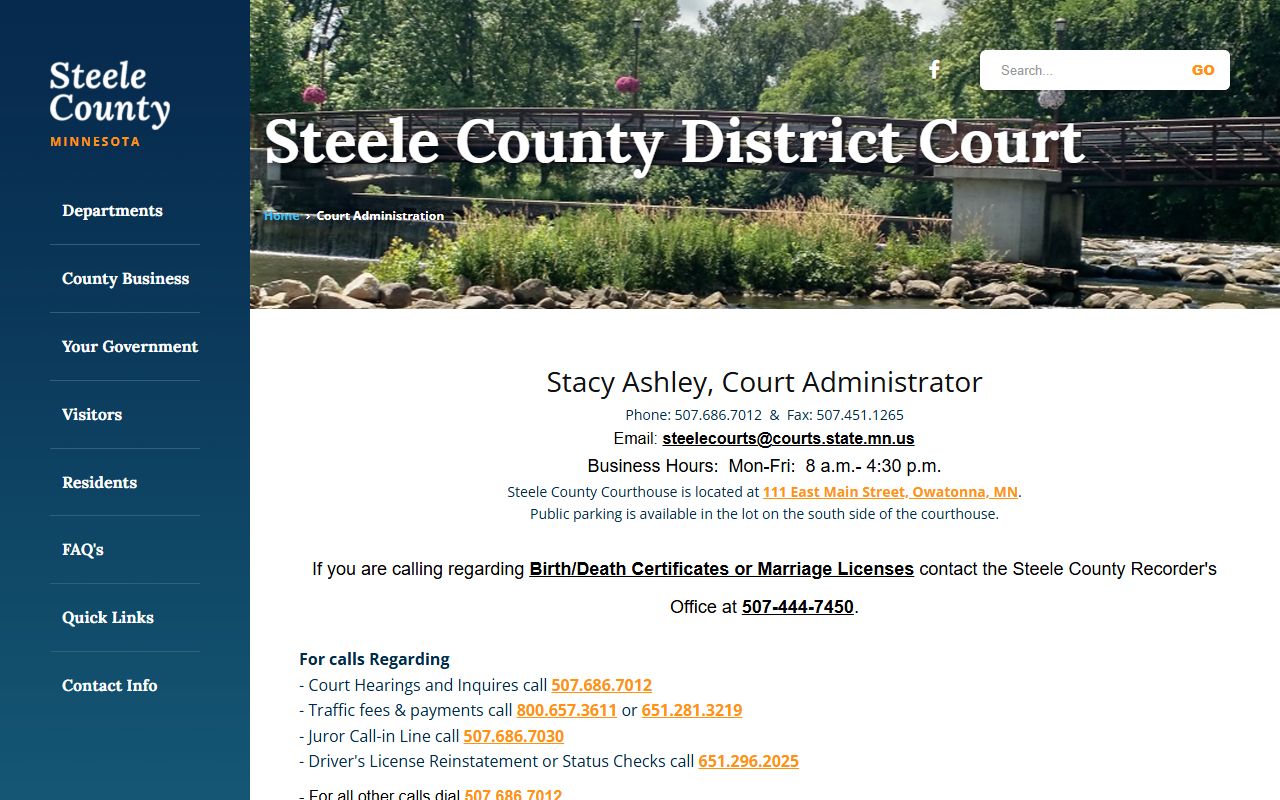
Use local contact details for immediate updates before scheduled appearance days and payment or filing follow-ups.