
How to Search Steele County Court Records
The official entry point is Minnesota Court Records Online, or MCRO, which covers all district trial courts in the state. For Steele County, it includes District Court case access by case number, party names, and associated legal metadata when public access rules permit disclosure. Start with Case Search to view case details and the Register of Actions, then add Document Search, Hearing Search, and Judgment Search for adjacent record views.
When searching by name in Steele County, begin with exact name fields, then expand options if results are sparse. For pending criminal, traffic, or petty misdemeanor matters without a conviction, case number or citation number is usually more reliable than defendant-name search. This avoids missed records caused by online name restrictions.
- Open Minnesota Court Records Online at publicaccess.courts.state.mn.us and choose MCRO Case Search.
- Select the search tab for Name, Case Number, Citation Number, or Attorney.
- Use filters for Steele County through the county selection control and narrow with case category, status, or filing date.
- For citation and court-specific matches, use the case number field and then open the case result.
- Review case details, hearing history, and document availability within the open case record.
- Use the related document portal if you need only public filings tied to the same case.
- Use Hearing Search for scheduling context and Hearing and courtroom data.
- Use Judgment Search for docketed money judgment records by debtor name.
Minnesota Court Records Online Case Search centralizes the primary entry point for Steele County District Court files.
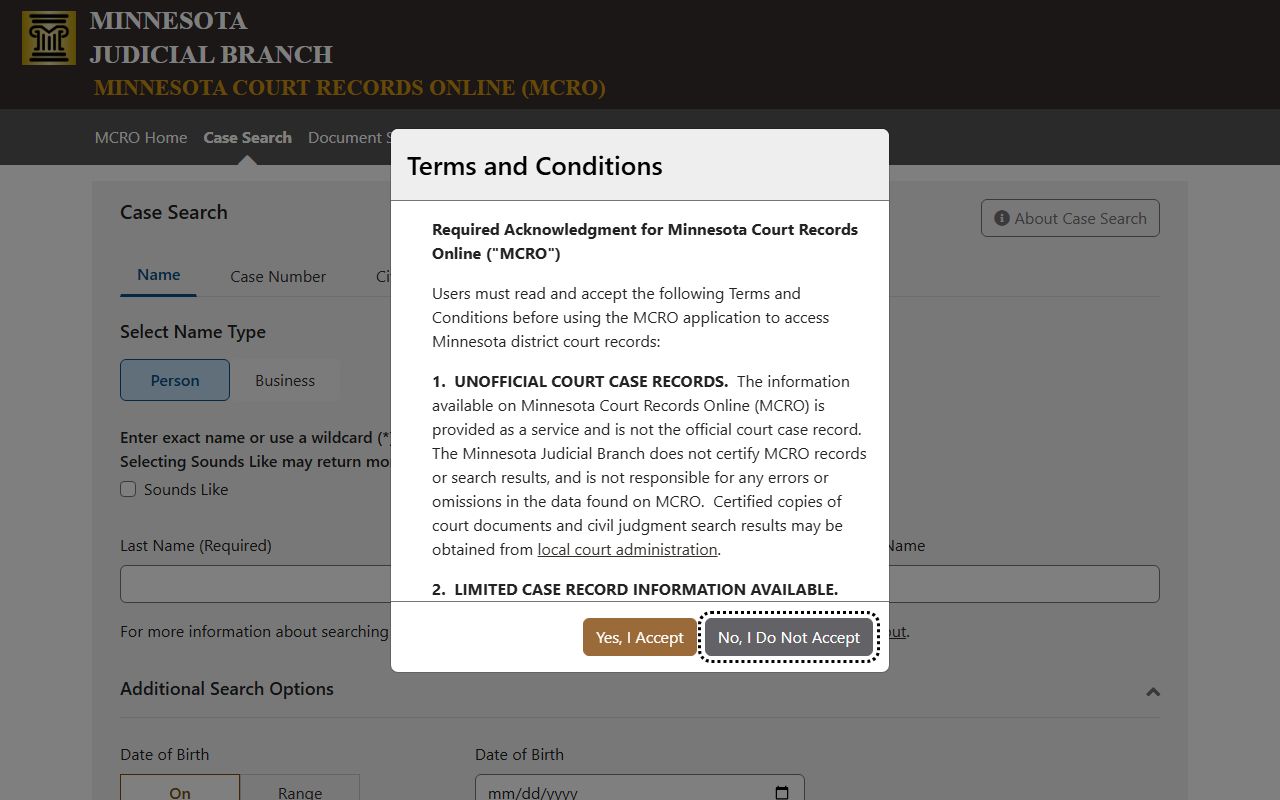
Case Search is best for opening a file context quickly; once opened, you can trace hearings, parties, and filings for the same case across the available views.
Steele County Court Record Search Fields
MCRO uses a tabbed search model, plus optional filters that are important for narrowing statewide results to Steele County. The platform distinguishes name searches, attorney searches, exact or range dates, and county-scoped queries.
| Field Label | Type | Required | Notes / Format |
|---|---|---|---|
| Search tab | Tabs | Yes | Choose Name, Case Number, Citation Number, or Attorney path. |
| Select Name Type | Radio | Required for name search | Person or Business. |
| Select Type | Radio | Required for attorney search | Attorney Name or MN License Number. |
| Sounds Like | Toggle | Optional | Can improve name matches, but wildcards cannot be used with this setting. |
| Last Name | Text | Required for person search | Exact name or wildcard after two characters in normal search mode. |
| First Name | Text | Optional | Use with Last Name to improve precision. |
| Middle Name | Text | Optional | Try with and without middle name if results are incomplete. |
| Date of Birth | Date / Range controls | Optional | Can reduce false matches for common names. |
| Date Filed | Date / Range controls | Optional | Use exact date for tight queries or date range for broader results. |
| Case Category | Checkboxes | Optional | Civil, Criminal, Family, Probate, Mental Health. |
| Case Status | Radio | Optional | All, Active, Inactive. |
| Court Locations | Radio + list | Optional | Use Statewide or Specific County list and choose Steele from county options. |
| Find | Button | Yes | Runs the query. |
| Clear | Button | No | Clears current fields and selected criteria. |
Record Tools Used in Steele County
Each Steele County record query often needs multiple MCRO tools because each tool serves a different purpose.
- Case Search: case details, parties, register of actions, and links to public documents.
- Document Search: document-level lookups by case number for publicly available filings.
- Hearing Search: hearing-based lookups by person, attorney, judicial officer, and case details.
- Judgment Search: docketed money judgment data and satisfaction details.
Minnesota Court Records Online Document Search complements case-level results for cases with linked filings.
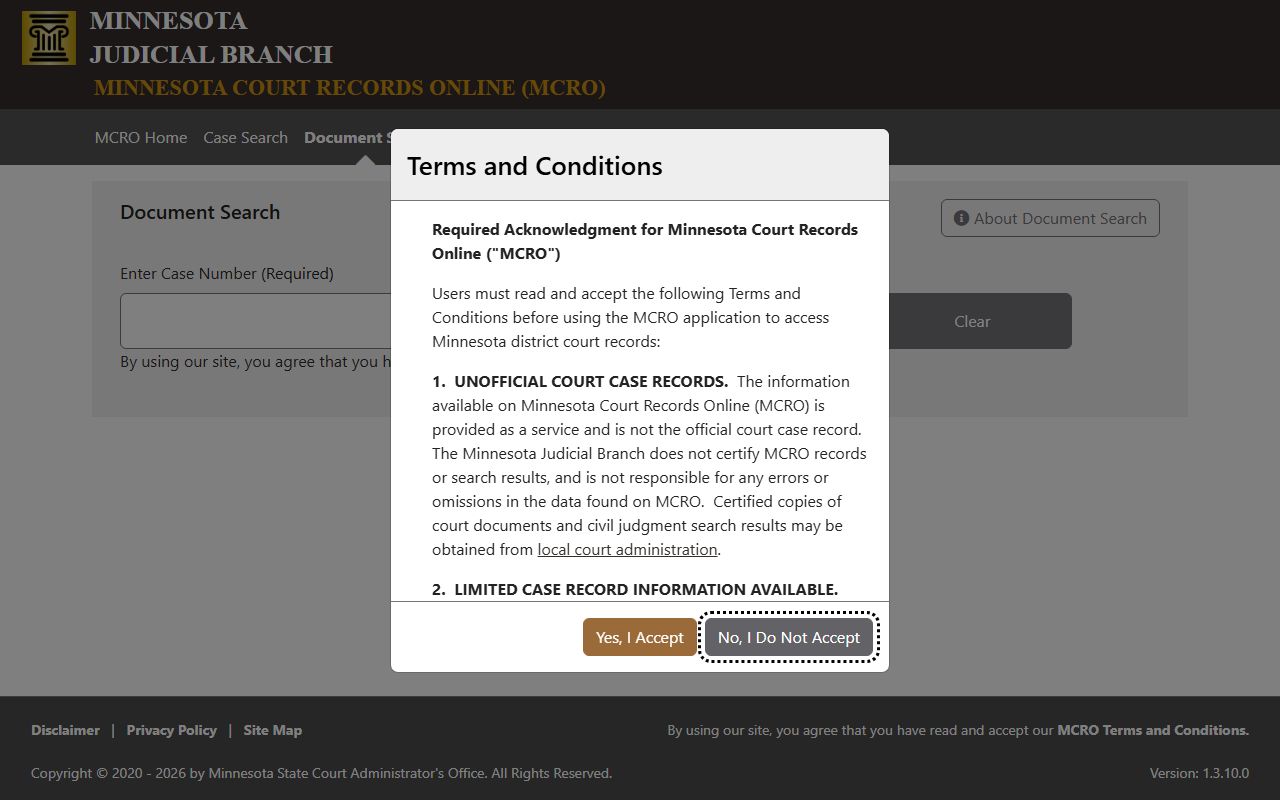
Use this view when you already have a case number and need a direct document path instead of scanning the entire case entry.
MCRO Hearing Search helps confirm hearing schedules and courtroom activity.
When a party is searching for a hearing date or court assignment, this route is often faster than opening each case result.
MCRO Judgment Search is the source for money judgment entries and debt-related filing outcomes.
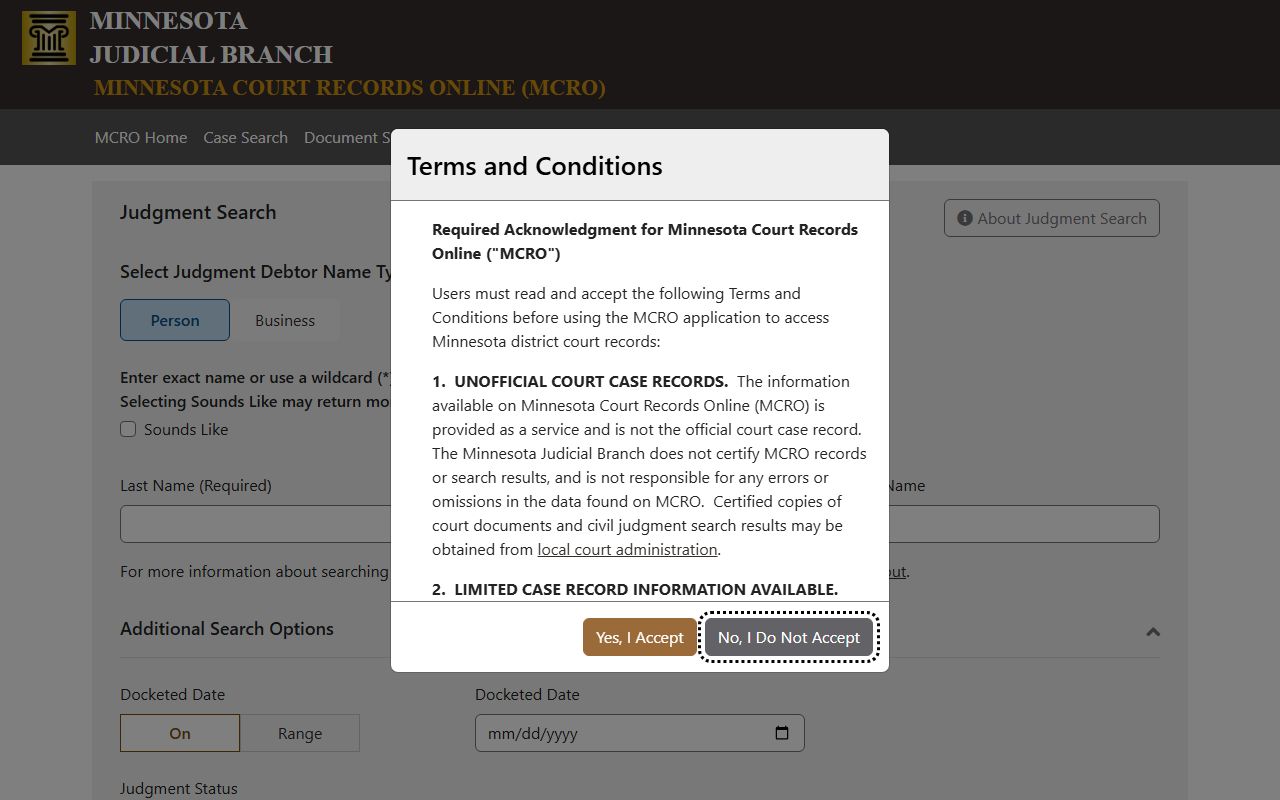
This view is especially useful in civil collections, satisfactions, and post-judgment tracking for Steele County files.
What Types of Cases Are in Steele County Court Records
Steele County case records come from District Court records, so categories include civil, criminal, family, probate, juvenile, and traffic pathways.
- Civil filings: complaints, summonses, motions, orders, judgments, writs, settlements, and appeal records.
- Criminal filings: felony, gross misdemeanor, misdemeanor, traffic-criminal, probation violation, and sentencing entries.
- Family filings: dissolution, custody, paternity, parenting, and child-support related records.
- Probate and mental-health filings: estate, trust, guardianship, and conservatorship records, with availability rules based on confidentiality.
- Juvenile and restricted family matters: often limited online and available at authorized courthouse access points.
- Traffic case records: citation number and hearing history with separate statewide driver records for license and DMV data.
What a Steele County Court Record Shows
Common fields appear across case types when access allows disclosure. Reading all core fields together helps distinguish court progress from outcomes and document status.
| Field | What It Shows |
|---|---|
| Case Number | Official district case identifier such as 74-CR-25-1942, Steele County prefix style plus category and sequence. |
| Court | Steele County District Court within Minnesota's Third Judicial District. |
| Case Type | Specific filing label like felony, gross misdemeanor, divorce, probate, or traffic-related matter. |
| Filing Date | Initial filing date and related filing events. |
| Parties | Named parties such as plaintiff, defendant, petitioner, respondent, creditor, or debtor where public. |
| Judicial Officer | Judge or referee assigned, and hearing-room or remote session information where available. |
| Register of Actions | Chronological entries including summons, motions, hearings, orders, pleas, continuances, sentencing, or disposition. |
| Documents | Public documents filed in eligible case types under Minnesota public access policies. |
| Financial Data | Fines, restitution, costs, bonds, and satisfactions in qualifying case records. |
| Redactions | Address suppression, protected information, juvenile materials, or other limited fields based on law. |
Public Access Framework for Steele County Records
MCRO records are unofficial copies of court systems, and certified copies are produced by local Court Administration. Minnesota Rule 4 and related access rules define what is public through courthouse channels versus what is remote-restricted. Use MCRO for broad lookup, then confirm access exceptions with the Steele County Court Administration for restricted, sealed, or older matter handling.
Key references:
Minnesota Rules of Public Access, Rule 8 - remote access is narrower than what may be visible at court terminals.
Minnesota Rules of Public Access, Rule 4 - access generally applies unless restricted by statute, court order, or privacy law.
Minn. Stat. Chapter 13 - Government Data Practices law framework for broader public-record contexts.
MCRO FAQ documents why names may return inconsistently, why wildcard use is constrained in some modes, and when defendant-name search misses pending criminal or traffic records.
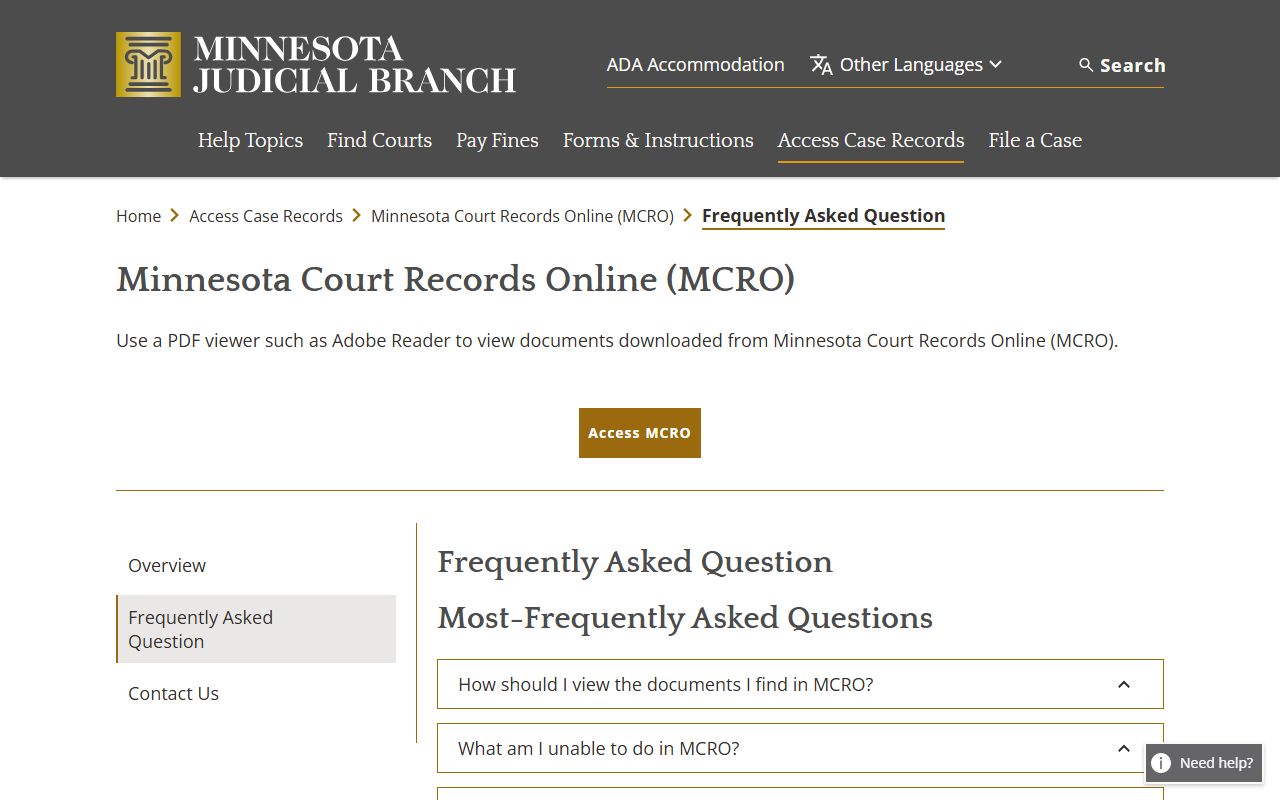
Use the FAQ patterns to avoid false negatives when records appear not to match initial search expectations.
Restricted and Confidential Steele County Records
Remote limitations are expected for some categories. Family, juvenile, protective-order, civil commitment, and certain mental-health records often have constrained online visibility. Juvenile and CHIPS matter is notably constrained in online access.
- Pending criminal, traffic, and petty misdemeanor files may not show by defendant name before conviction.
- Domestic Abuse and Harassment Restraining Order materials can be excluded from MCRO visibility because of federal law limits.
- Child Protection and juvenile felony-16 matters are often withheld from remote outputs.
- Sealed or expunged records are not public through normal search paths.
For court copies or restricted categories, contact Steele County Court Administration at 111 East Main Street, Owatonna, and request local guidance on whether a copy, certified authentication, or in-person review is required. The page is managed by Court Administrator Stacy Ashley.
Beyond MCRO: Additional Access Channels
Steele County court filings are not the only official source for related legal records. Arrest details, booking details, and some enforcement records move through sheriff channels, while conviction summaries and criminal-history pathways come from statewide repositories.
- Use the Steele County daily court calendar PDF for hearing-day checks at daily Court Calendar. The court posts it at 7:00 a.m. and updates hourly.
- Use the Steele County Court Administration for certified copies and unresolved access questions.
- Use the Sheriff's Records Department for law-enforcement reports and records not maintained as court-file materials.
- Use the BCA public criminal history search for conviction-only background checks; do not treat it as a replacement for court case files.
- Use DOC locator tools for adults under state corrections custody, and use DVS channels for driver record requests.
Minnesota MCRO access notes explain the full suite of district-case resources and category-specific rules.
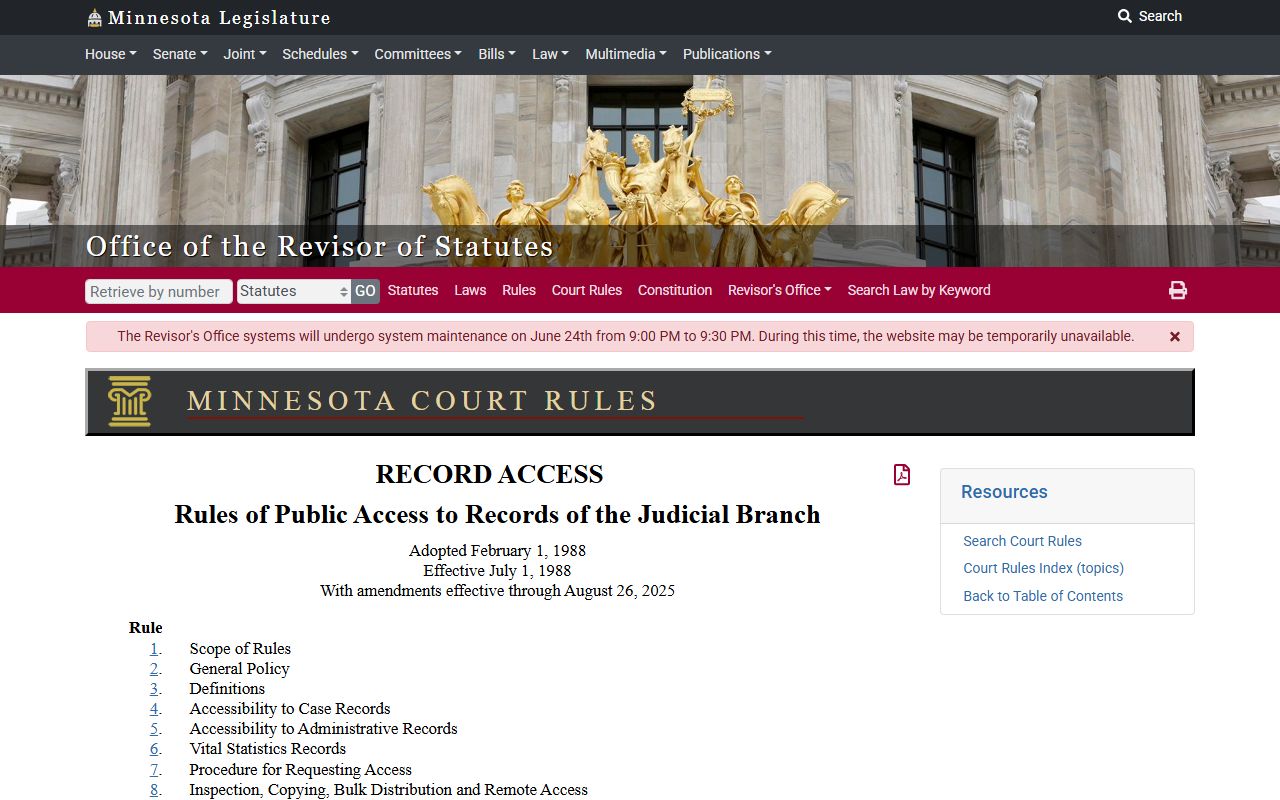
That page is the best place to verify category-specific availability before switching to local channels.
Minnesota Rule 4 access details are directly relevant when an online result says a record is restricted.
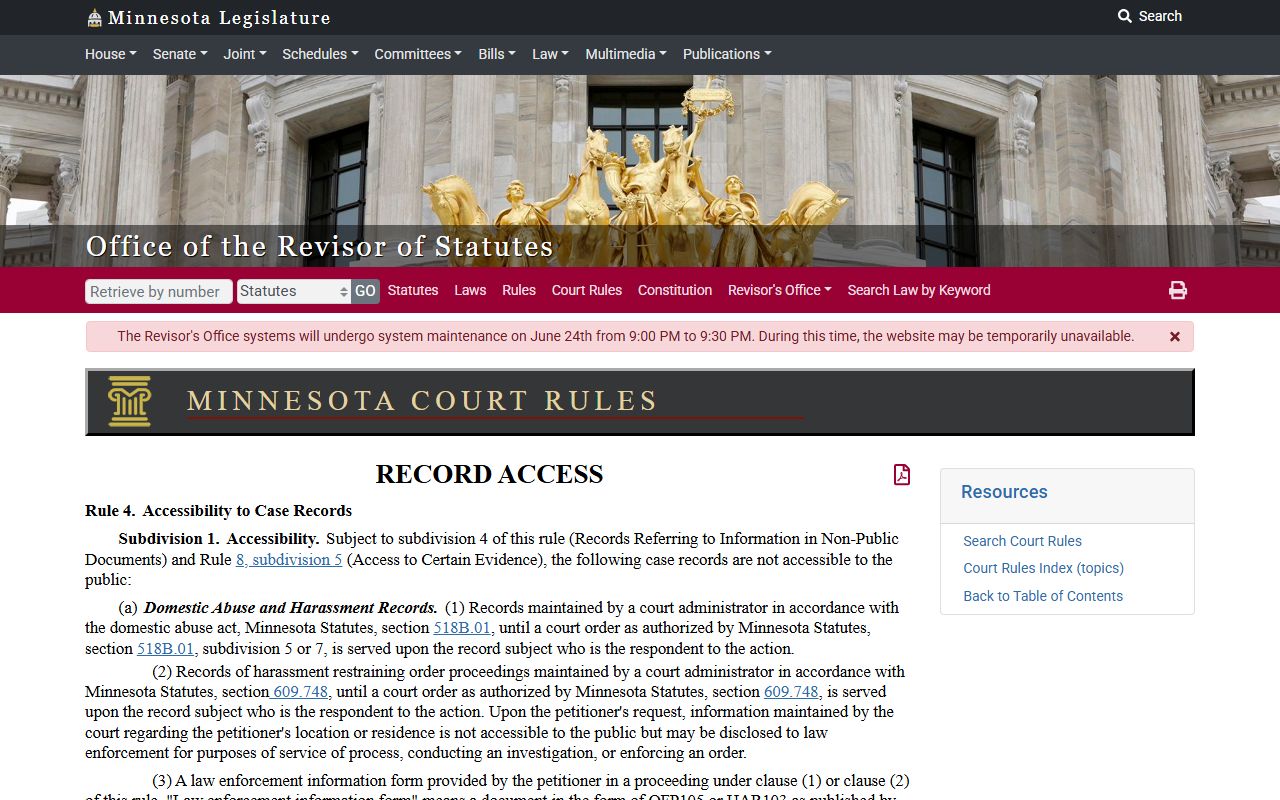
When restricted fields are present, the rule page helps explain why a file may require in-person verification or certified records from Court Administration.
Minnesota Rules of Public Access table and related notices should be reviewed alongside Steele County Office guidance.
Use this reference when distinguishing full-file access rights from narrow remote views.
Copy Requests, Certified Copies, and Fees
Even when records are in MCRO, some request types require local court involvement for copies and authentication. Steele County uses Court Administration channels for certified delivery and official transcript output.
| Request Type | Fee | Where to use |
|---|---|---|
| Certified copy of instrument | $14 | Civil or criminal court document request. |
| Certified printout from court case document | $14 | Courthouse-view printouts and imaged/e-filed documents. |
| Certified screen print | $14 | Case management system print output. |
| Exemplified and certified copy | $28 | Formal use requiring authentication. |
| Uncertified copy / scan / printout | $0 | Public non-authenticated copy. |
| Report generation by page | $5 for 1 to 50 pages | Case-management reports. |
| Large report set | $25 per 50 pages or part | Files over 50 pages. |
| Fax transmission | $25 per 50 pages or part | Document transmission requests. |
For probate, family, and criminal cost comparisons, use the official fee table linked in the Steele County Court Administration context and confirm current rates before collection.